

Every thread has a place
One project window.
Sessions, files, changes, diffs, and search stay scoped to the project in front of you.
A calm agent multiplexer with familiar IDE features. Every project and coding-agent session lives in one window, but the work keeps running outside it.
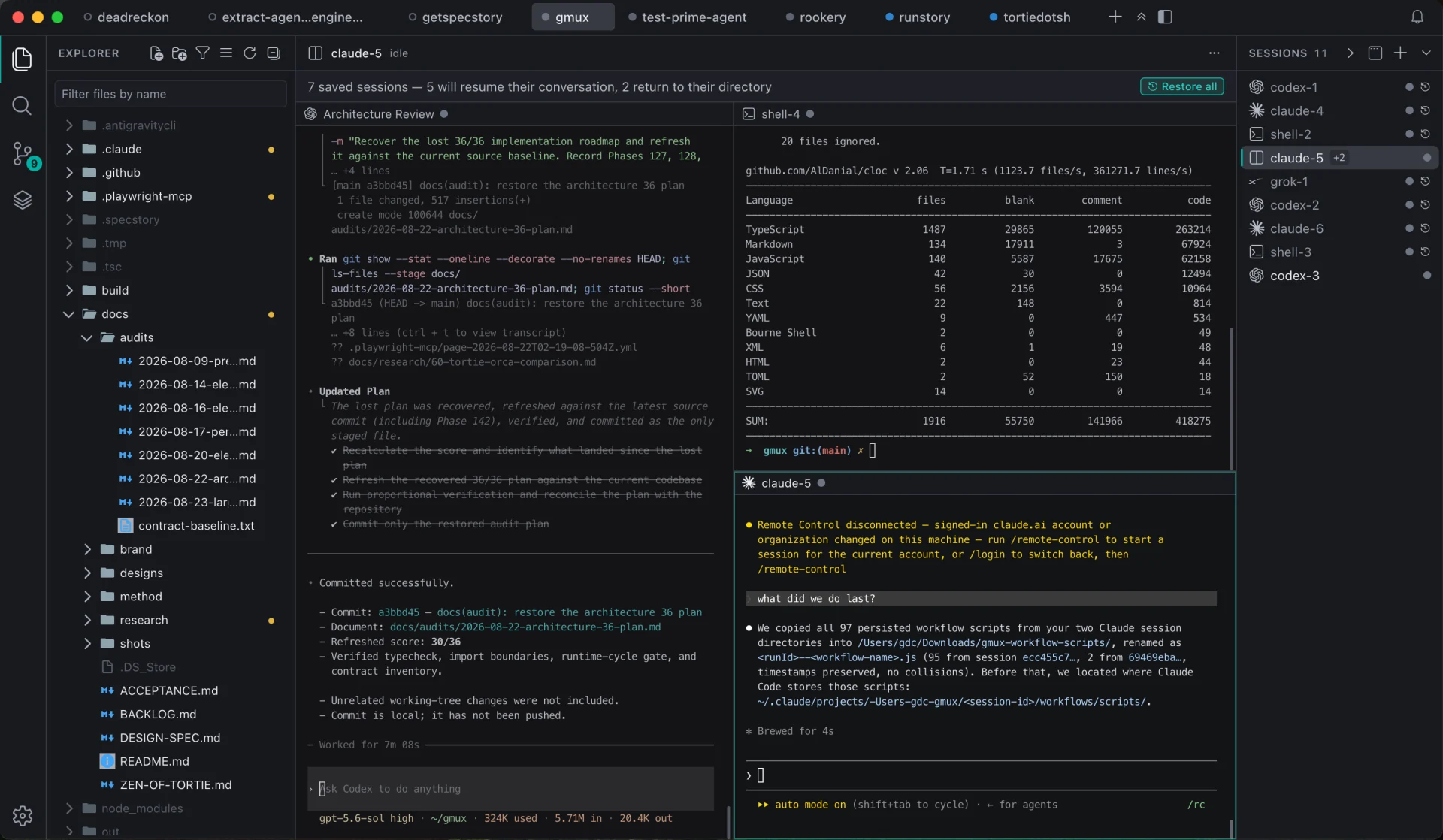
Every thread has a place
Sessions, files, changes, diffs, and search stay scoped to the project in front of you.
The window is disposable
Close the window. Exit the app. Your sessions keep running in a private tmux server, separate from the app window.
Return without reconstruction
Come back later. Tortie reconnects each agent to its own conversation, not just an empty shell.
Protect your attention
Working agents stay quiet. Press ⌘J to move straight to the session waiting for your input.
Return without rereading
See every session in a project at a glance. Open one to read your asks and the agent's closing answers, then jump straight back to any exchange.
Five quick questions to see whether Tortie fits the way you work.
01 / 05

Each result is a link. See more options
Agent multiplexer
Keep provider-specific terminal agents alive across projects, with files, diffs, search, and Git in one window.
See where Tortie fits in the broader ecosystem. Learn what other tools do, too.
Explore comparisonsLearn the concepts, shortcuts, and recovery model.
Read the docsLatest release: 0.76.1 · 2026-08-26.
See what’s newFree under the Apache 2.0 license and built in public.
macOS 15.7.9 or later · Apple silicon
